

Protect traffic on shared networks
Reduce exposure on public Wi-Fi and other shared networks.
You’re offline. Checks need an internet connection.
TRUSTKEEPER VPN
Protect your internet connection with an encrypted VPN.
Manage routing, assess Wi-Fi risks and see your protection status in one place.
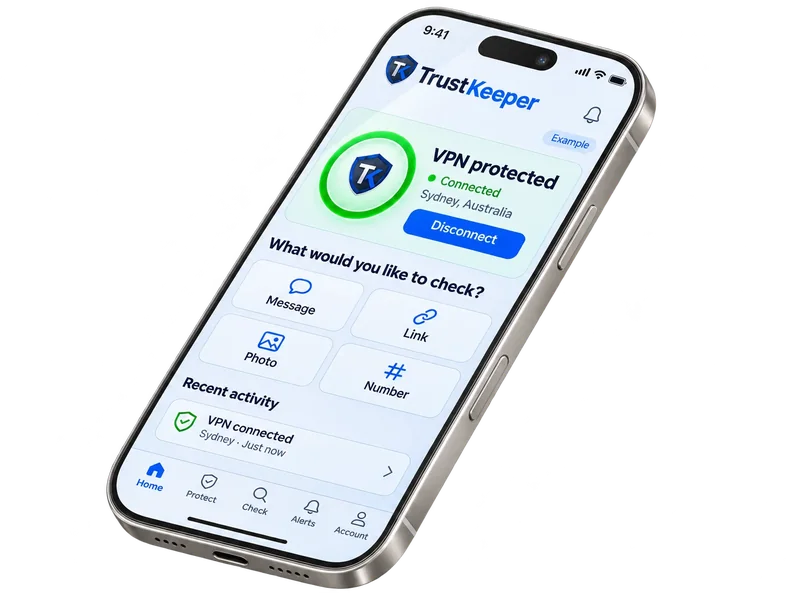
Sydney ›
✓ Connection verified ›
✓ Traffic inside the tunnel is encrypted ›
HOW A VPN WORKS
TrustKeeper encrypts traffic between your device and the VPN server.

Your data leaves your device encrypted.
Your traffic is encrypted between your device and the VPN server.
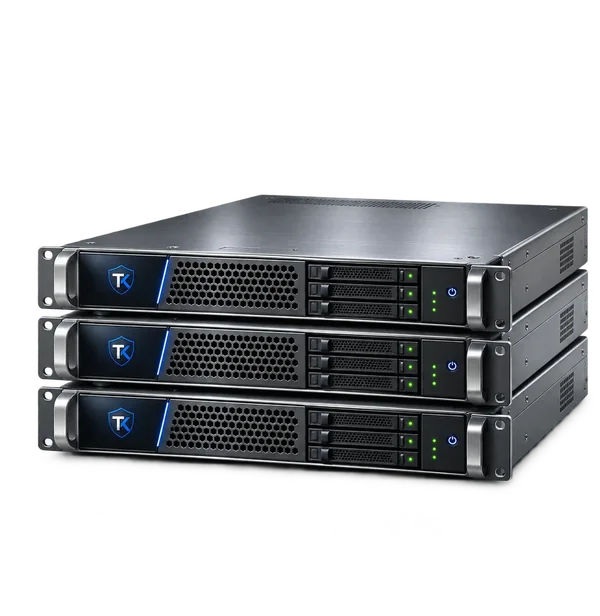
Traffic reaches the VPN server, then continues to the internet.
Reduce exposure on public Wi-Fi and other shared networks.
Get clear status and alerts when action may be needed.
ROUTING OPTIONS
Use routing options to match your needs.
Preview: full tunnel selected.
KEY FEATURES
Review connected-network risks and recommended actions.
Block known malicious and tracking domains.
Reconnect following network interruptions.
Choose when the VPN connects automatically.
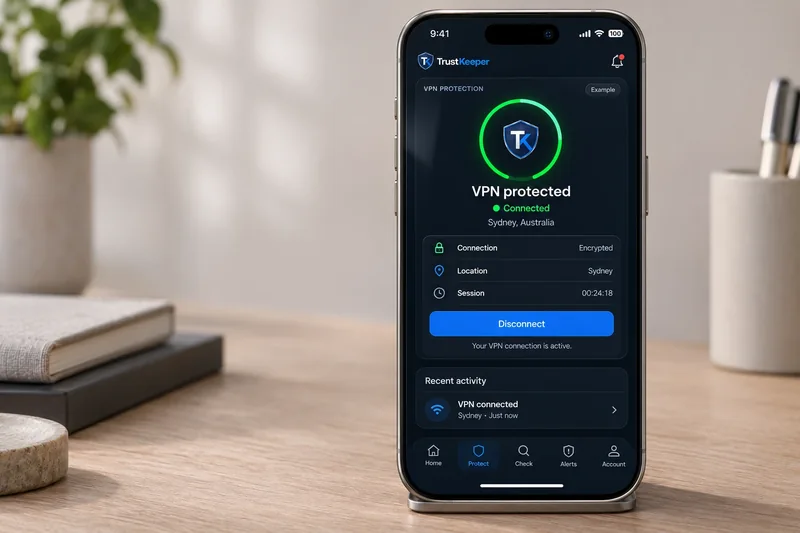
CONNECTION INSIGHTS
See your server, routing, DNS settings and VPN activity at a glance.
FAQ
Traffic between your device and the VPN server is encrypted. Beyond the VPN server, protection also depends on the destination and its connection security.
Full tunnel sends all internet traffic through the VPN, except devices on your local network. Split tunnel lets you choose which traffic uses the VPN.
Automatic reconnection can restore the VPN after network changes. Check your connection status and any alerts; continuous protection is not guaranteed.
TrustKeeper VPN runs in the iOS and Android apps. Features and allowances depend on your plan.
Protect your internet activity and enjoy a more private online experience.