
Remote browsing
Inspect a page in a separate remote browser environment.
You’re offline. Checks need an internet connection.
TRUSTKEEPER AIRLOCK
A separate space for an unfamiliar website.
Explore suspicious links in a remote browser session. Inspect the page and capture context before deciding what to do.
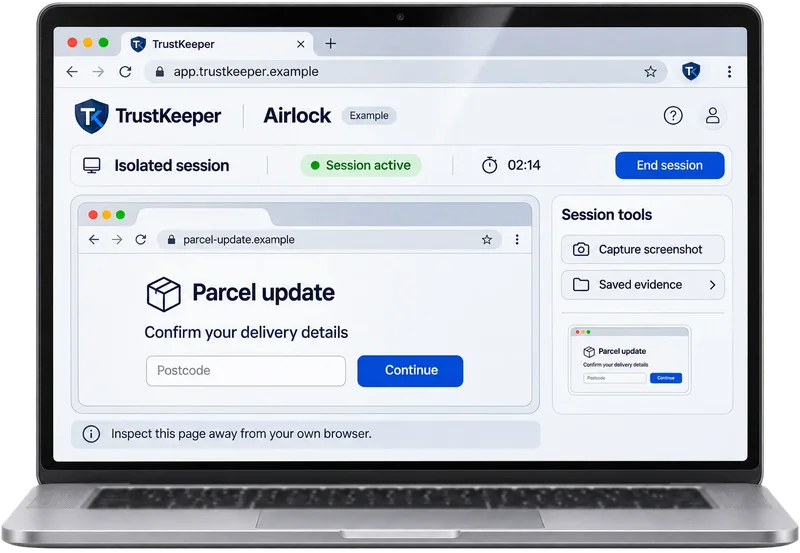
A SEPARATE SPACE
Inspect a page in a separate remote browser environment.
Look at the page and the context behind the request.
Save screenshots and page details to review later.
HOW AIRLOCK WORKS
Open the link in Airlock.
Review what the page asks you to do.
Keep evidence or end the session.
No saved captures yet.
SESSION CONTROLS
Start and end a session when you choose.
Review session duration and expiry.
An untrusted page can still ask for passwords, payment or personal information. Isolation does not make its content trustworthy.
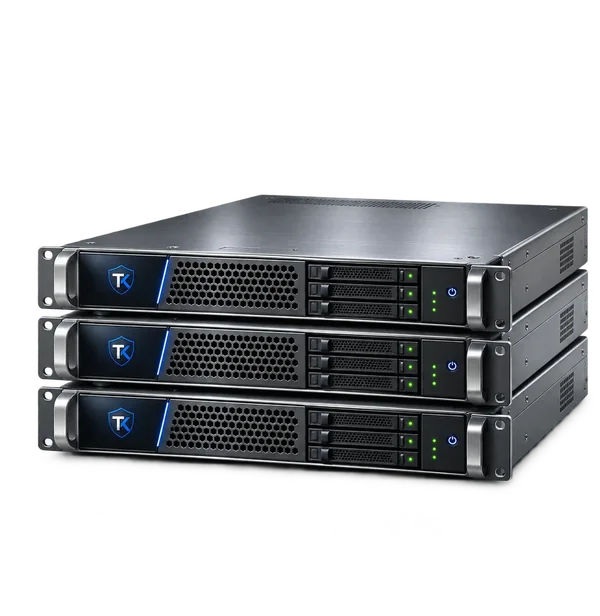
WORKS WITH YOUR TOOLKIT
Assess the content and review the reasons for concern.
Use browser tools to look into unfamiliar pages.
WHEN TO USE AIRLOCK
A delivery or account link you were not expecting.
A destination that needs a closer look.
A suspicious request you may need to revisit.
FAQ
No. A separate remote browser can isolate the browsing environment, but a page can still mislead you or request sensitive information.
Avoid entering passwords, payment details or personal information into untrusted pages.
No. It’s an example. Real sessions run in your TrustKeeper account.
Personal includes 10 a month. Family shares 50 a month across the household.
Inspect suspicious pages away from your own browser.