Messages & emails
Look for suspicious requests, impersonation and pressure.
You’re offline. Checks need an internet connection.
TRUSTKEEPER SCAN
A clearer picture before your next move.
Check suspicious messages, links, images and more. See the warning signs and decide what to do next.
CHECK WHAT CONCERNS YOU
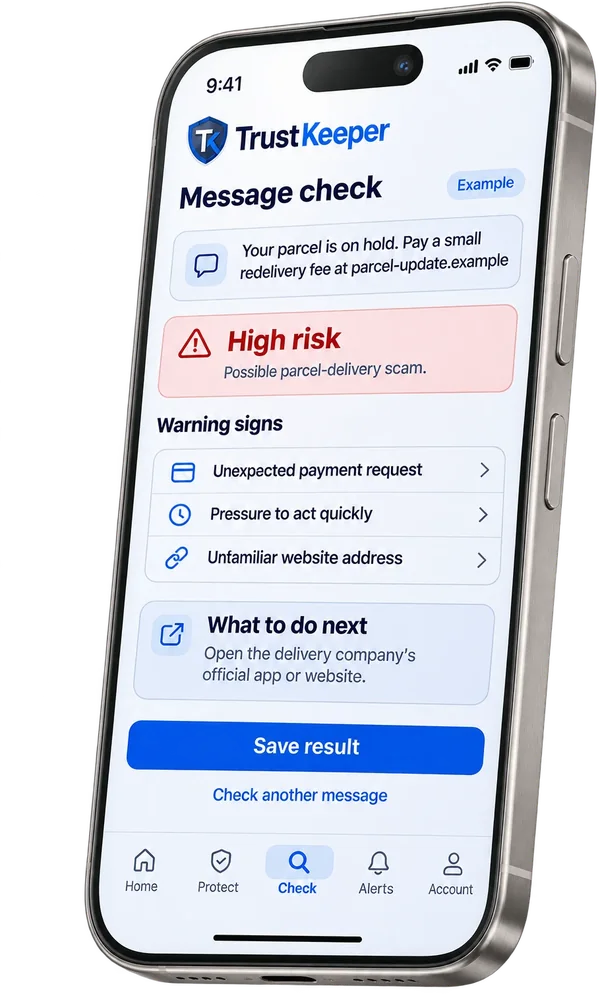
Look for suspicious requests, impersonation and pressure.
Assess a link before deciding to open it.
Review reputation and supporting evidence.
Check screenshots and photos of messages.
See where a QR code really points.
Check voice messages and audio for warning signs.
FROM CONTENT TO CONTEXT
 Analysis report preview
Pressure to act quickly and a sudden change of number.
Call the person on a number you already know before responding.
Choose what you want to check.
Review findings and the reasons behind them.
Verify requests independently. No check guarantees safety.
LOOK BEYOND THE SURFACE
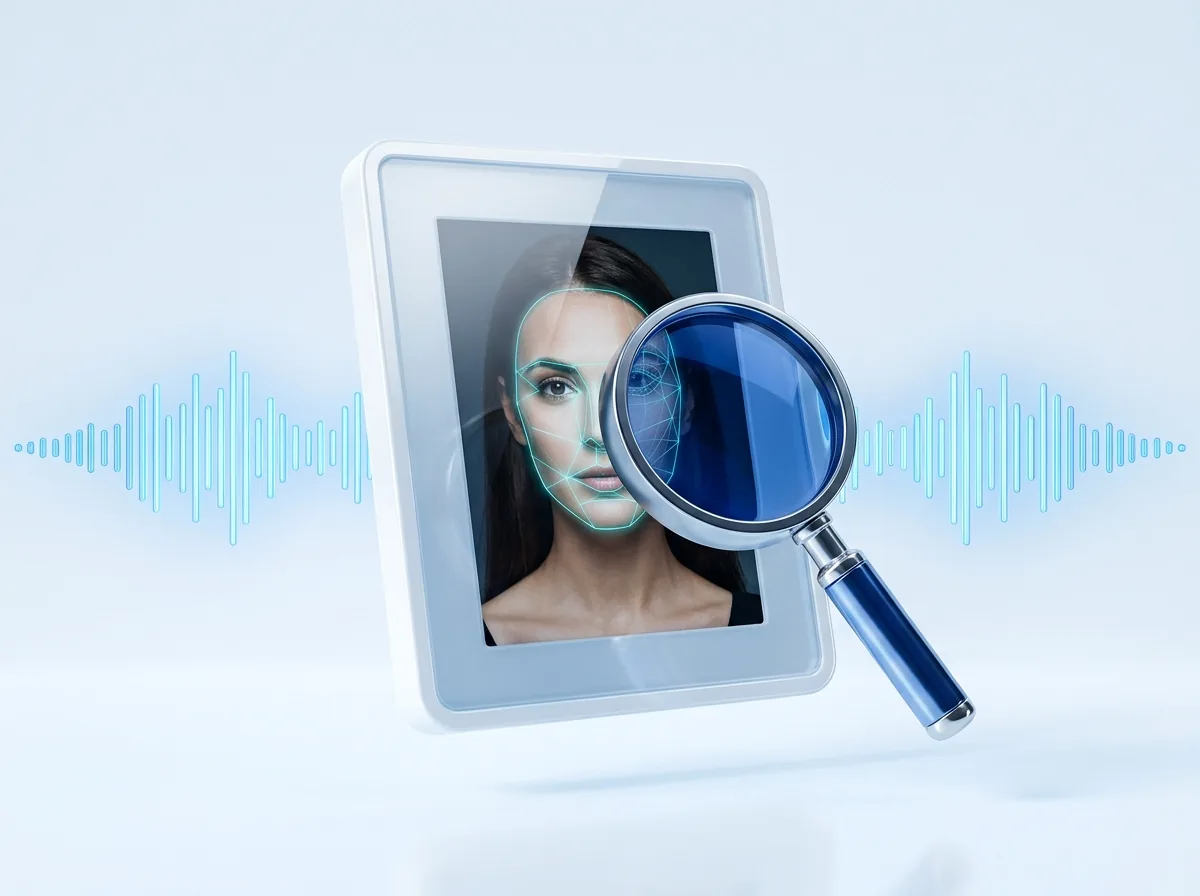
AI-generated content can imitate familiar faces and voices. Review signals in context; detection is not certain.
Look for signs an image was made by AI.
Look for signs a face has been altered.
Consider audio findings alongside the request.
GO A LITTLE DEEPER
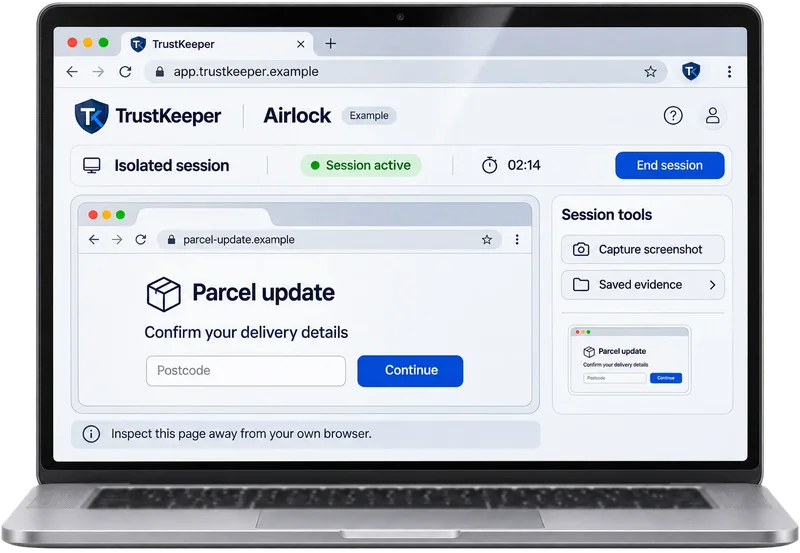
Explore suspicious links in a separate remote browser.
Ask TrustKeeper why something looks suspicious.
YOUR CHECKS, TOGETHER
Find your recent checks, reports and saved results in one place.
Keep the reasoning alongside the result.
Use evidence and independent verification together.
Search3 this week · 2 need attention
FAQ
No. Findings provide context, not a guarantee. Verify sensitive requests through a trusted channel.
Messages, links, phone numbers, images, QR codes and audio. What’s included depends on your plan; see Pricing.
No. They’re fixed examples. Real checks run in the TrustKeeper app.
Yes. Check a phone number for scam reports and warning signs, then review the findings. Additional external number-reputation data is coming soon.
See the warning signs before you reply, click or pay.