
Protection for your everyday digital life
Know before
you trust.
Check suspicious messages, links, numbers and images. Protect your connection, stay informed about digital threats and understand the risks before you act.
- AI-assisted scam and fraud checks
- VPN, Wi-Fi and privacy tools
- Identity exposure checks and threat awareness
Worried something isn’t right? Have I been compromised?
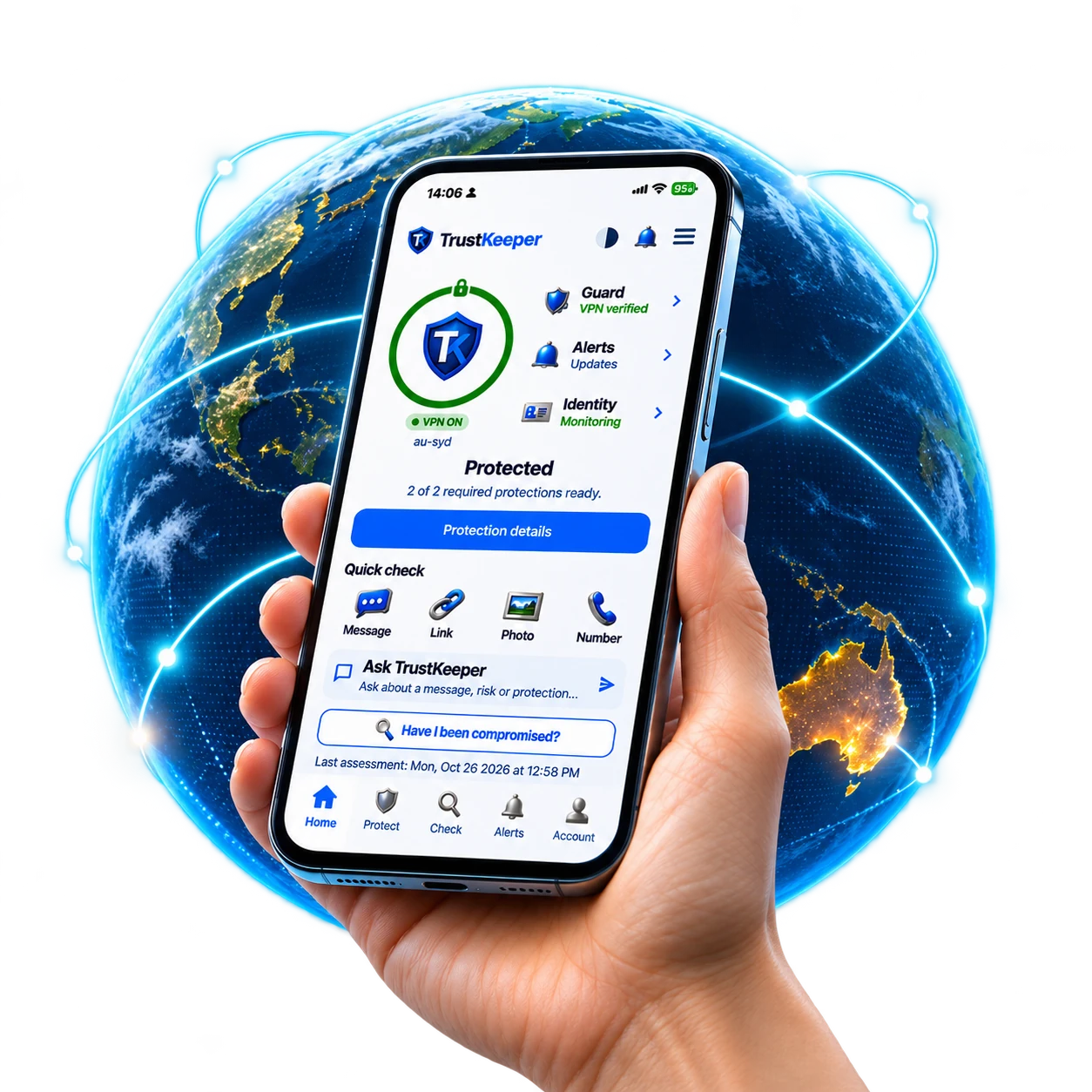

VPNConnection and privacy
CheckUnderstand suspicious content
IdentityKnown email-breach exposure
AlertsWarnings and practical guidance
PRODUCT PROOF
Multiple layers of protection.
One clearer picture.
Check suspicious content, protect your connection and understand known email exposure — with guidance on what to do next.
TrustKeeper VPN
Encrypted VPN and connection controls.
Check suspicious content
Analysis of suspicious messages, links, numbers and images.
Identity Watch
Known breach exposure for a verified email address.
Relevant alerts
Relevant findings, scam awareness and recommendations.
TRUSTKEEPER
Protection layers
TrustKeeper VPN
A more private connection.
An enabled VPN encrypts traffic between your device and the VPN server.
- Encrypted connection
- Connection status and routing
- Another layer of privacy
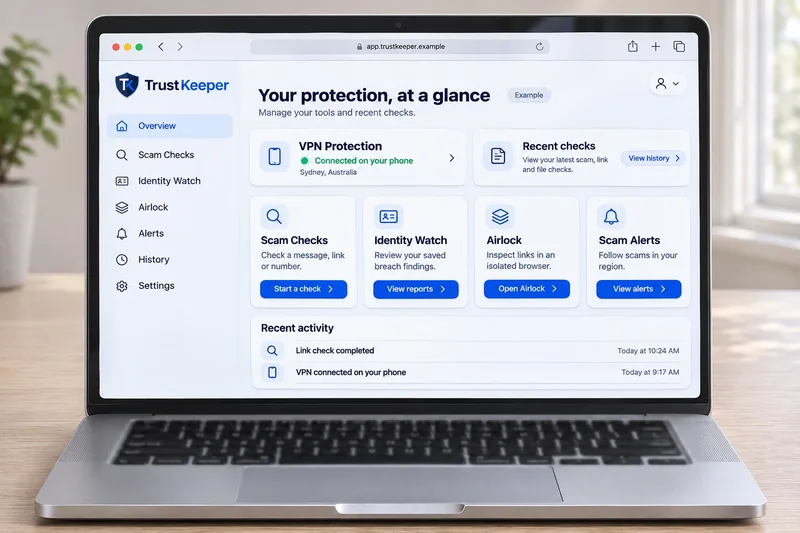
VPN previewEncrypted tunnel
Scams in Australia, by the numbers.
National reporting · 2024
TrustKeeper library · snapshot
National figures: Targeting scams 2024, published March 2025. Combined and direct Scamwatch reports are not additive. Library snapshot: 8 November 2026; a separate TrustKeeper measure. See the figures and sources
Scam patterns seen in Australia
“Your parcel couldn’t be delivered. Pay a small redelivery fee using this link.”
Your Digital Guard Protection Suite
One account, a unified set of tools for your connection, identity and everyday digital life.
1 of 6 · Manual
TrustKeeper VPN
A safer, more private connection.
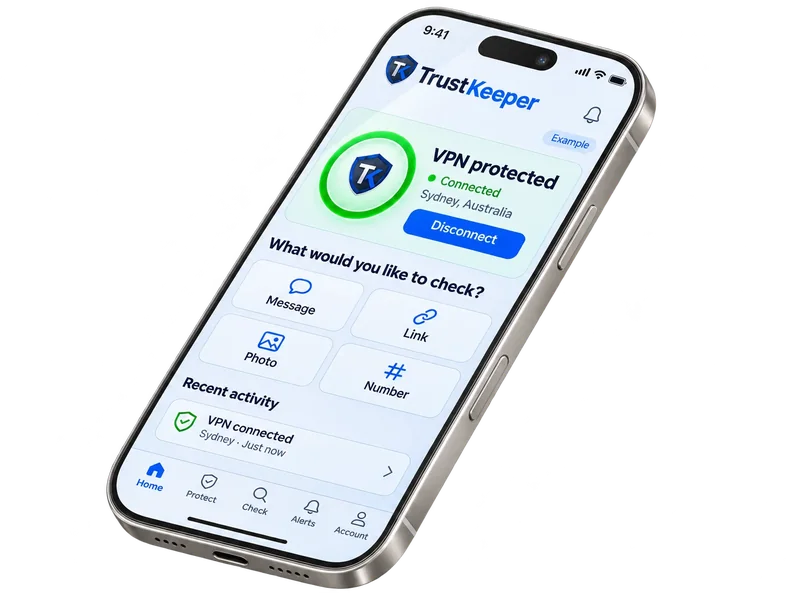
Sydney · EncryptedFull or split tunnelDNS filtering & AutoProtect
Connect through the VPN and manage your connection and privacy settings.
- Encrypted device-to-server traffic
- Privacy DNS filtering
- Connection and routing controls
Features vary by device and plan.
YOUR NEXT STEP
Have I been compromised?
Review the identity, device and protection checks available to you, understand any findings, and see what to do next.
- Identity exposure
- Device & protection status
- Findings & next steps
Sign in to review your assessment scope and consent. Coverage depends on your device, enabled services and permissions.
See what gets checked
Run the Personal Security assessment from your TrustKeeper account. You’ll see what it checks, and give consent, before it starts.
Website access does not grant whole-device inspection. Unavailable or incomplete checks do not establish that a device or account is safe.
Personal Security assessment
- Identity exposure
Not reviewed
- Device & protection status
Not reviewed
- Findings & next steps
Not reviewed
Not run
HOW A CHECK WORKS
From suspicious to a clear next step.
A walk-through of a TrustKeeper Scan check, from the moment a message arrives to the decision you make.
Signal
A message arrives
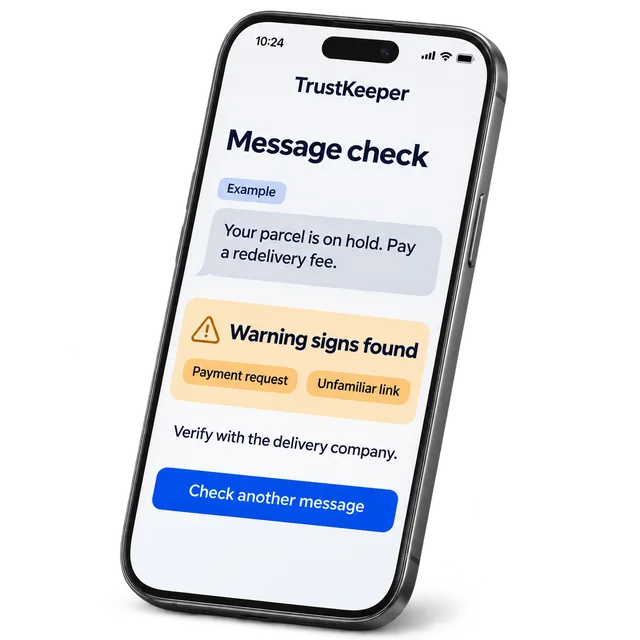
An unexpected text asks you to pay a small fee to release a delivery.
Scan
TrustKeeper checks it
The message, link and sender details are compared with known scam patterns and other signals.
Evidence
Warning signs are shown
Urgency, a payment request and an unfamiliar link are highlighted, with a plain explanation for each.
Next step
You decide what to do
Verify through the official app or a contact you already know. A check supports your decision; it does not prove a message is genuine.
Get started in 3 simple steps
Activate essential protection, check what matters and stay informed about threats.
Create your account
Get set up and choose the protection you need.
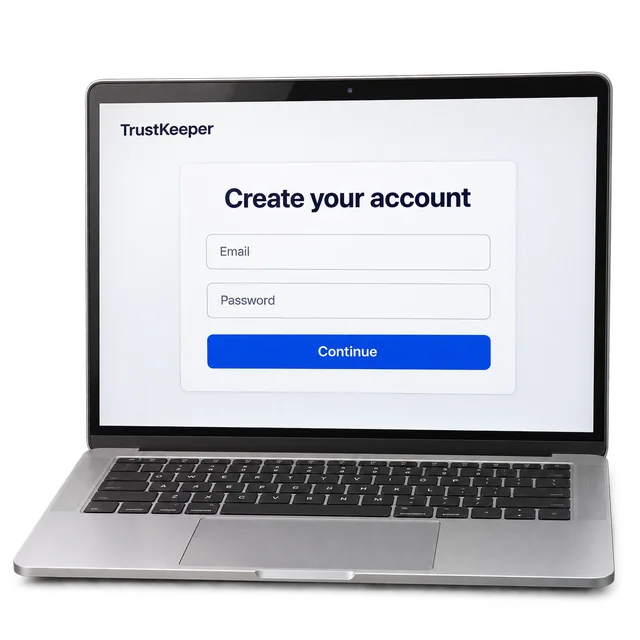
Activate your protection
Enable the tools you choose and grant the permissions they need.
Check with confidence
Check links, messages, numbers and more, with guidance on next steps.
The risk is real without protection.
Everyday online activity can expose you to scams, identity theft, tracking and financial loss.
Scam messages
Phishing, fake deliveries and payment requests.
Risky connections
Unsafe or fake Wi-Fi networks.
Identity exposure
Personal data could appear in a breach.
Harmful links
Sites that look real but aren’t.
From signals to a clearer next step.
Patterns point out warning signs. Context and independent verification help you decide what to do next.
Pattern signals
Compare the warning signs with known scam patterns.
Read the context
Look at where a finding came from and what it does not establish.
Choose a next step
Verify the request independently before acting.
Built for People Like You
Practical protection for everyday life — at home, at work and on the go.
Individuals
Make more informed decisions about online threats.
Families
Explore protection for the people and devices that matter.
Professionals
Keep privacy and identity in view during your working day.
Everyday users
Straightforward tools for everyday digital life.
Protection scenarios for Australia
How TrustKeeper helps in common Australian scam situations.
Everything you need to know
Quick answers to common questions about TrustKeeper.
What is TrustKeeper?
TrustKeeper is an AI-powered scam protection platform with deep Australian coverage. It combines scam checks, safer link inspection, breach monitoring, identity protection and browser defence. TrustKeeper VPN provides encrypted connections through the mobile app. TrustKeeper Voice suspicious-caller screening is coming soon.
What tools are included?
TrustKeeper includes active tools such as TrustKeeper Scan for AI scam analysis, TrustKeeper Protect for browser blocking, TrustKeeper Airlock for safe link inspection, TrustKeeper Alert for breach monitoring and TrustKeeper ID for identity protection. TrustKeeper VPN provides encrypted connections through the mobile app. TrustKeeper Voice suspicious-caller screening is coming soon. View all features →
What is TrustKeeper Voice and how does it work?
TrustKeeper Voice will screen suspicious callers to help reduce scam-call risk. It's coming soon; members will be told when it launches. Learn more about TrustKeeper Voice →
What is TrustKeeper Airlock?
TrustKeeper Airlock lets you open suspicious links in a safer isolated browsing session so you can inspect them without using your normal browsing context. Learn more about TrustKeeper Airlock →
Does TrustKeeper work on mobile and desktop?
Yes. TrustKeeper Scan, TrustKeeper Alert, TrustKeeper ID, TrustKeeper Airlock and TrustKeeper Protect are available through the web app, browser extension and mobile apps, with features varying by device and plan. Set up and connect the VPN in the iOS or Android app. TrustKeeper Voice is coming soon.
What's the difference between TrustKeeper Personal and TrustKeeper Family?
TrustKeeper Personal covers one person with the current TrustKeeper protection suite for $9 AUD/month. TrustKeeper Family covers up to 5 household members sharing those tools, including a shared pool of 50 Airlock sessions/month, for $19 AUD/month.
What happens after I find a scam?
You can report suspicious content directly from the result flow. Reports help strengthen community threat intelligence, and paid plans unlock deeper history and follow-up context for your account.
Can I cancel anytime?
Yes. There are no lock-in contracts. You can cancel from your account settings, and protection stays active until the end of your current billing period.
Where can I find full documentation?
We have setup guides, feature breakdowns, and troubleshooting docs in the documentation centre. Start with the getting started guide or browse the full documentation centre.
Plans
Choose your Digital Guard plan
Australians reported $2.0 billion in scam losses in 2024. Paid plans include the current protection suite — scam analysis, browser shield, identity monitoring, and Airlock access.
Monthly
Free Forever
Free
Try our core tools - no credit card needed.
$0/mo
Included
- 3 scam checks per day
- Basic scan results
- Community scam feed
- Report a scam
- VPN is available on paid plans only.
Most Popular
TrustKeeper Personal
Core protection tools for one person.
$9/mo
AUD • Cancel anytime
7-day free trial, then A$9.00/month. Cancel before it ends and you won’t be charged.
Included tools
- TrustKeeper Scan Scam analysis including Phone ID
- TrustKeeper Protect Browser extension with real-time blocking
- TrustKeeper Airlock 10 Airlock sessions/month
- TrustKeeper Alert Regional and global scam alerts
- TrustKeeper ID Verified-email breach checks
- TrustKeeper VPN 50 GiB per billing period.
- TrustKeeper Voice Suspicious-caller screening — coming soon
Plus
- PDF reports & case references
- Postcode scam alerts & daily briefing
- Full scan history
- Shield Member badge
Best for Families
TrustKeeper Family
Everything in Personal, shared across your household.
$19/mo
AUD • Cancel anytime
7-day free trial, then A$19.00/month. Cancel before it ends and you won’t be charged.
Every tool, for every member
- TrustKeeper Scan Scam analysis including Phone ID
- TrustKeeper Protect Browser extension with real-time blocking
- TrustKeeper Airlock 50 Airlock sessions/month, shared
- TrustKeeper Alert Regional and global scam alerts
- TrustKeeper ID Verified-email breach checks
- TrustKeeper VPN Shared pool: 20 GiB per accepted seat, per billing period.
- TrustKeeper Voice Suspicious-caller screening — coming soon
Family extras
- Up to 5 family members on one plan
- Family threat dashboard
- Simplified mode for parents
- Priority support
✓ 7-Day Free Trial ✓ Cancel Anytime ✓ Australian owned & operated Secure payment via Stripe Account access after checkout