
Website insight
See a warning before you open a risky site.
You’re offline. Checks need an internet connection.
TRUSTKEEPER PROTECT
Pause, check and protect your browser activity.
See warnings about risky websites, check links and text, and manage your privacy — all from your browser.
IN YOUR BROWSER
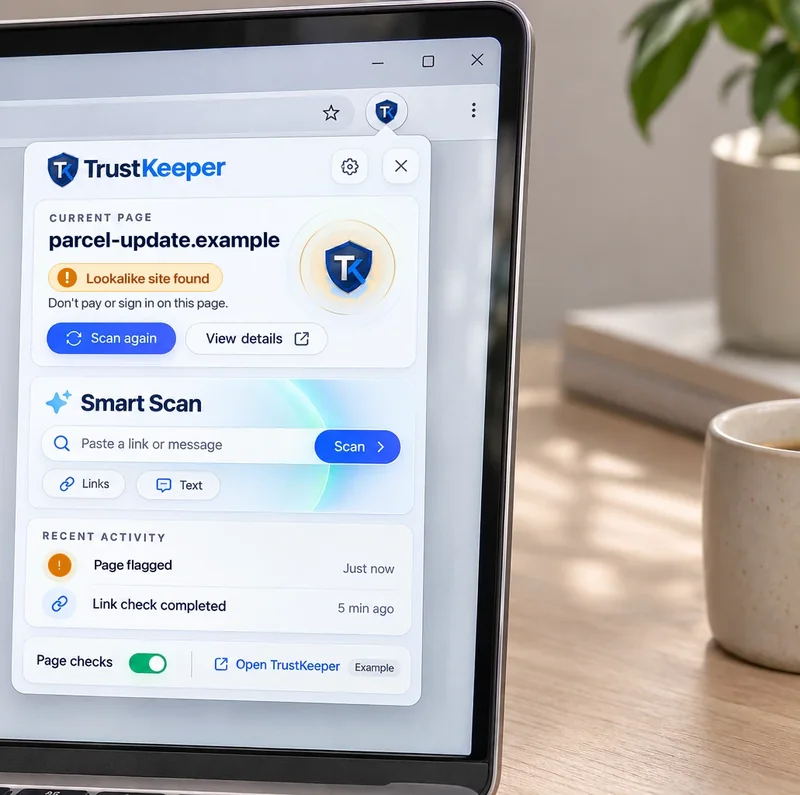
See a warning before you open a risky site.
Check websites, links and selected text.
Turn tracker blocking and privacy settings on or off.
CHECK IN CONTEXT
Source preview
Your account needs attention. Sign in at account-verify.example to keep access.
An urgent request is a reason to pause.
Use Smart Scan on links and selected text.
Understand the warning and the context.
Check suspicious email text and links with Smart Scan.
BROWSER PRIVACY
Choose which trackers to block.
Find your extension checks in your TrustKeeper account history.
Applies to traffic in this browser only.
See what TrustKeeper Protect has flagged.

The browser proxy covers traffic in this browser only. TrustKeeper VPN protects your whole device.
Explore TrustKeeper VPNWORKS TOGETHER
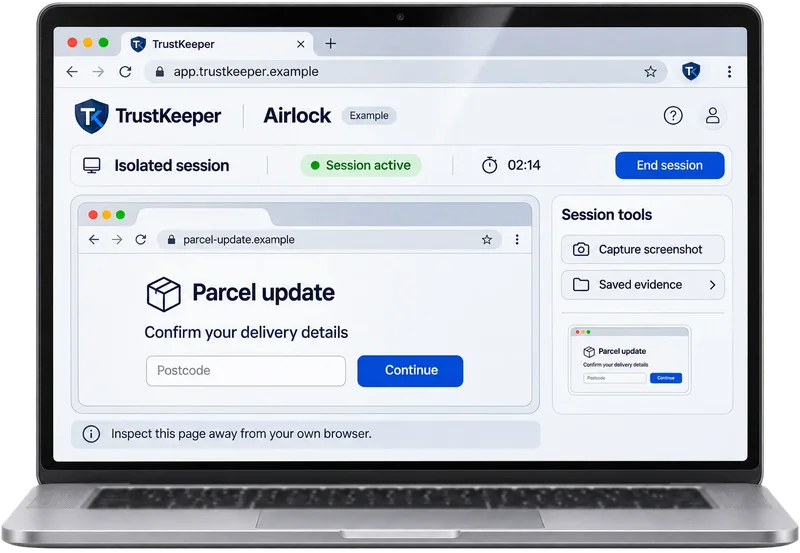
Inspect a suspicious destination in a separate remote browser session. A separate session does not make a page trustworthy.
Explore AirlockACTIVITY AT A GLANCE
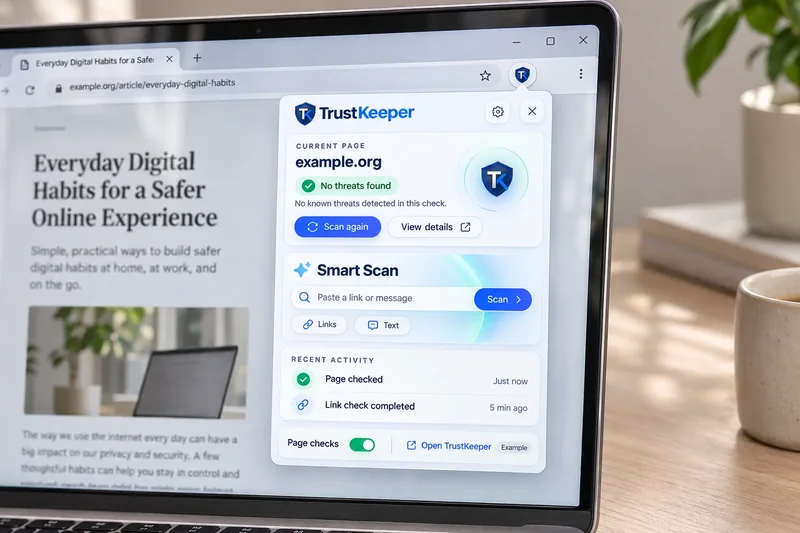
Review warnings, checks and privacy activity.
Look back at past warnings and checks.
Understand findings before you act.
GETTING STARTED
Review installation details for your browser.
Understand the access the extension requests.
Choose the settings that suit you.
FAQ
No. The browser proxy covers only this browser. TrustKeeper VPN covers your whole device.
No. Warnings help you spot risky sites, but no tool can catch every threat.
Installation details will be published here when browser-store distribution opens.
No, they’re examples. Your real settings are in the extension.